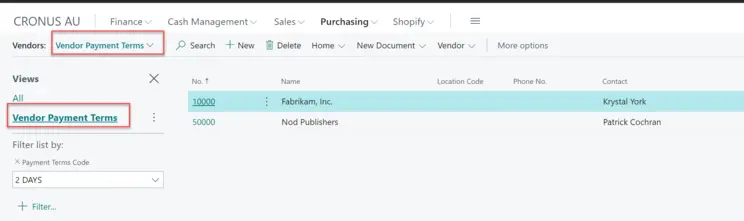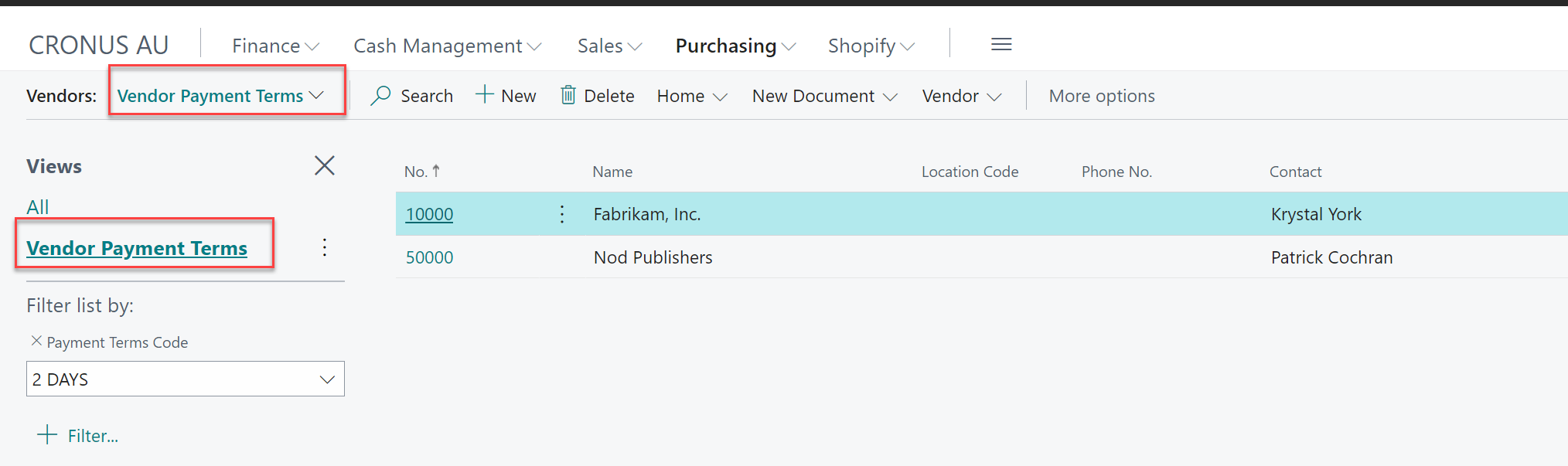
Business Central views : In recent times, we have found it necessary to create our page views and save them to avoid the repetitive application of filters on the same page. But what if we could achieve this more efficiently through AL code using Business Central views? Well, the good news is that we can indeed create page views using AL code. Let's take a closer look at how this process works:
I will talk about some advantage and disadvantages creation of those views through AL code. Views can be defined for Pages, Page Extensions, and Page Customization.
View provide us below features: Filtering on multiple table fields on the source table defined for the page. Sorting of the data on multiple table fields, but only in one direction; either ascending or descending. Layout changes, modifying page columns, moving them, etc
Let's walk through an example. In this case business central view, I will demonstrate how to create a view for the Vendor List page, focusing on all vendors belonging to the same Payment Terms code. To begin, follow these steps:
pageextension 50101 PaymentTermsVendors extends "Vendor List" //27
{
    views
    {
        addfirst
        {
            view(VendorPmtTerms)
            {
                Caption = 'Vendor Payment Terms';
                SharedLayout = false;
                Filters = where("Payment Terms Code" = filter('2 DAYS'));
            }
        }
    }
}